📄 Article 4: Public Wi‑Fi and Your IP Address: The Risks You Didn’t Know
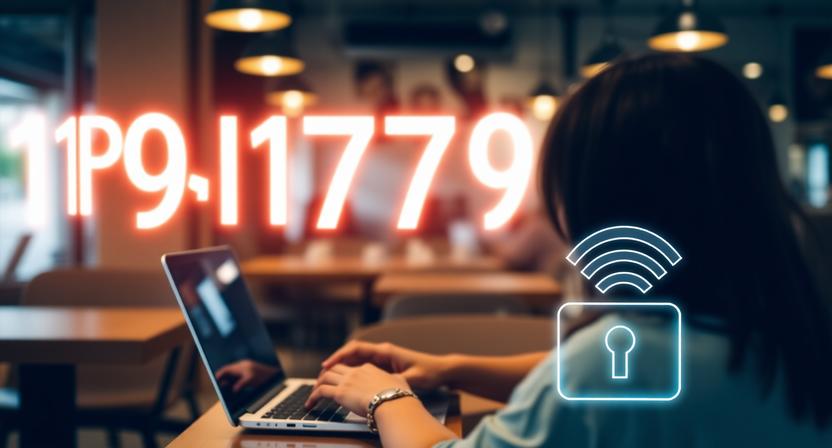
Public Wi‑Fi is everywhere — coffee shops, airports, hotels, and even buses. It’s convenient, but it’s also one of the riskiest ways to connect to the internet. When you log in, your IP address becomes visible to anyone on the same network, and that opens the door to potential attacks.
Why Public Wi‑Fi Is Risky
Unlike your home router, public Wi‑Fi often lacks strong encryption. This means data packets travel across the network in a way that can be intercepted. Hackers can use simple tools to monitor traffic, capture login credentials, or even hijack your session. Your IP address plays a key role here. It identifies your device on the network, making it easier for attackers to target you directly.
Common Threats
Man‑in‑the‑Middle Attacks: Hackers intercept communication between you and a website. Session Hijacking: Attackers steal cookies to impersonate you online. Malware Injection: Fake hotspots trick you into downloading malicious files.
How to Protect Yourself
Use a VPN: Encrypts your traffic and hides your IP address. Stick to HTTPS: Look for the padlock symbol in your browser. Avoid Sensitive Transactions: Don’t log into banking apps or shop online on public Wi‑Fi. Forget Networks: Prevent automatic reconnection to unsafe hotspots.
Real‑World Example
Adoption: Many ISPs and websites still rely on IPv4. Compatibility: Some older systems don’t fully support IPv6. Transition: Dual‑stack setups (IPv4 + IPv6) are common but add complexity.
Real‑World Applications
In 2018, a group of travelers at an airport fell victim to a fake Wi‑Fi hotspot named “Free Airport Wi‑Fi.” Once connected, their IP addresses were logged, and attackers injected malware into their devices.
Conclusion:
Public Wi‑Fi is convenient but dangerous. By understanding how your IP address is exposed, you can take simple steps to protect yourself. Next time you sip coffee at a café, remember: your IP is visible, and your privacy depends on the precautions you take.